
How to turn off the notification sound when changing volume in Windows 11
This step-by-step tutorial will show you how to turn off the notification sound when changing volume on Windows 11.
Video ↓
How to turn off the notification sound when changing volume in Windows 11
-
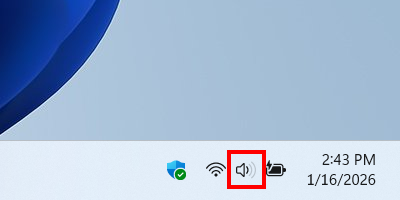
Right-click the speaker icon located in the Windows system tray.
-
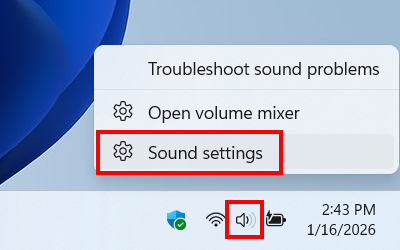
Click Sound settings.
-
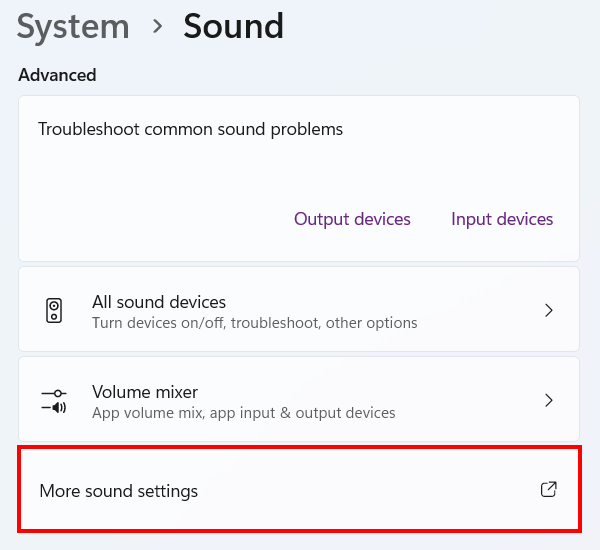
Click More sound settings.
-
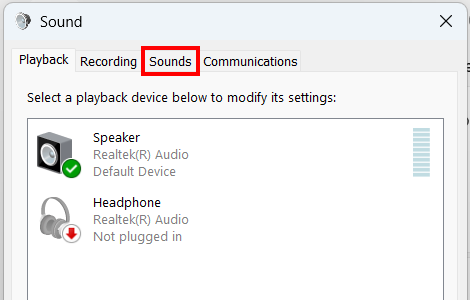
Click Sounds.
-
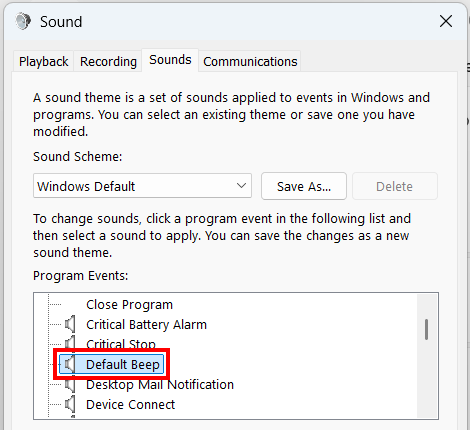
Click Default Beep.
-
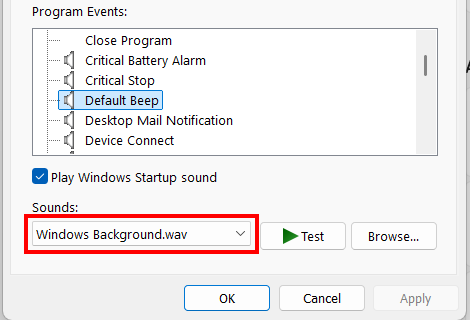
Click on the Sounds selection menu.
-
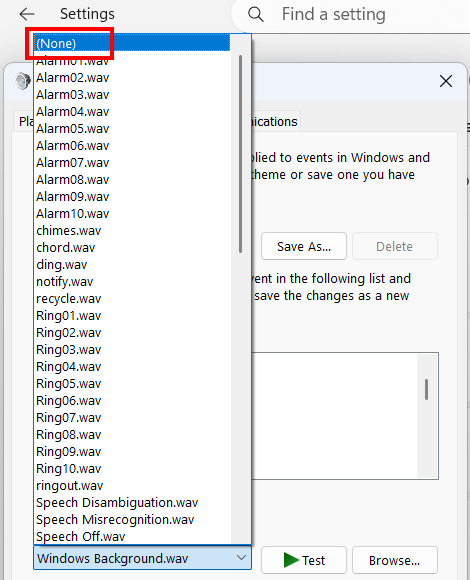
Select (None).
-
Click Apply.
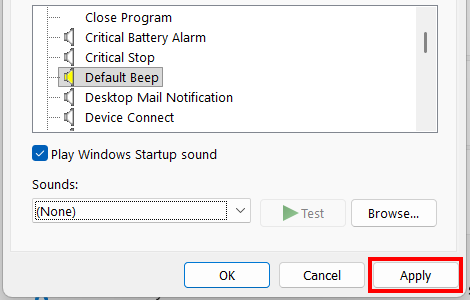
- Click OK.
- Close settings.
- You may need to restart your computer.
You will no longer hear the notification sound when you change the volume on your Windows 11 PC.
Related:
How to remove calendar notifications from Windows lock screen
How to turn off calendar notifications in Windows 10 and 11