
How to stop videos from automatically playing in Samsung Internet
This step-by-step tutorial will show you how to stop videos from automatically playing on websites in the Samsung Internet web browser.
Video ↓
The steps on this page work for blocking autoplay videos on websites such as YouTube, Facebook, Instagram, TikTok, and X (Twitter).
How to stop videos from automatically playing in Samsung Internet
-
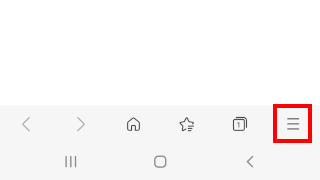
Tap the menu button in the bottom right corner of Samsung Internet.
-
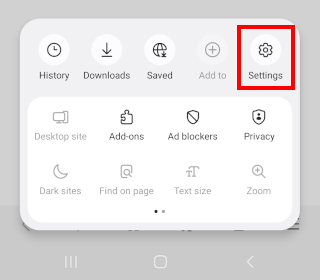
Tap Settings.
-
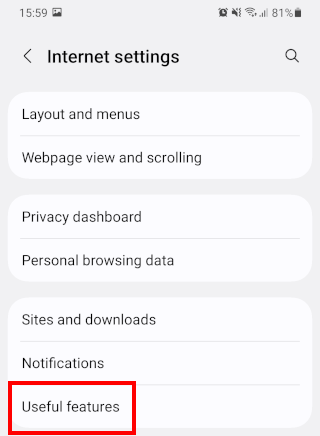
Tap Useful features.
-
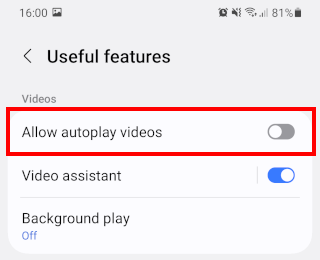
Tap Allow autoplay videos to turn this option off.
- Restart Samsung Internet.
Videos will no longer play automatically in Samsung Internet.

Related:
How to stop videos from automatically playing in Firefox
How to stop videos from automatically playing in Brave
How to stop websites from asking for your location in Samsung Internet